For the complete documentation index, see llms.txt. Markdown versions of all docs pages are available by appending .md to any docs URL.
Stdio
Verified Code examples on this page have been automatically tested and verified.Run a local MCP server as a subprocess and expose it through agentgateway over stdio.
An MCP backend allows exposing MCP servers through the agentgateway using STDIOSTDIO (Standard Input/Output)A connection method for MCP servers that communicates through standard input and output streams. STDIO is commonly used for local MCP server processes..
Before you begin
Install theagentgateway binary.Configure the agentgateway
Download an MCP configuration for your agentgateway.
curl -L https://agentgateway.dev/examples/mcp-basic/config.yaml -o config.yamlReview the configuration file.
cat config.yamlReview the following table to understand this configuration.mcp: port: 3000 policies: cors: allowOrigins: - "*" allowHeaders: - mcp-protocol-version - content-type - cache-control - mcp-session-id exposeHeaders: - "Mcp-Session-Id" targets: - name: everything stdio: cmd: npx args: ["@modelcontextprotocol/server-everything"]Field Description mcpThe top-level MCP configuration block that defines how agentgateway connects to MCP servers. portThe port on which agentgateway listens for incoming MCP requests, such as 3000. If not specified, a default port is used.targetsA list of MCP targets to connect to. Each target defines an MCP server that agentgateway proxies requests to. At least one target is required. nameA unique name for the MCP target, such as server-everything. This name identifies the target in logs and the UI.stdioConfiguration for connecting to an MCP server via standard input/output. Use this for local MCP servers that run as a command. Contains cmd(the command to run) andargs(arguments for the command). In this example,npxruns the@modelcontextprotocol/server-everythingpackage.mcpConfiguration for connecting to a remote MCP server via streamable HTTP. Use this for remote MCP servers. Contains host(the URL of the MCP server endpoint).Run the agentgateway.
agentgateway -f config.yaml
Verify access to tools
Open the agentgateway UI to view your listener and backend configuration.
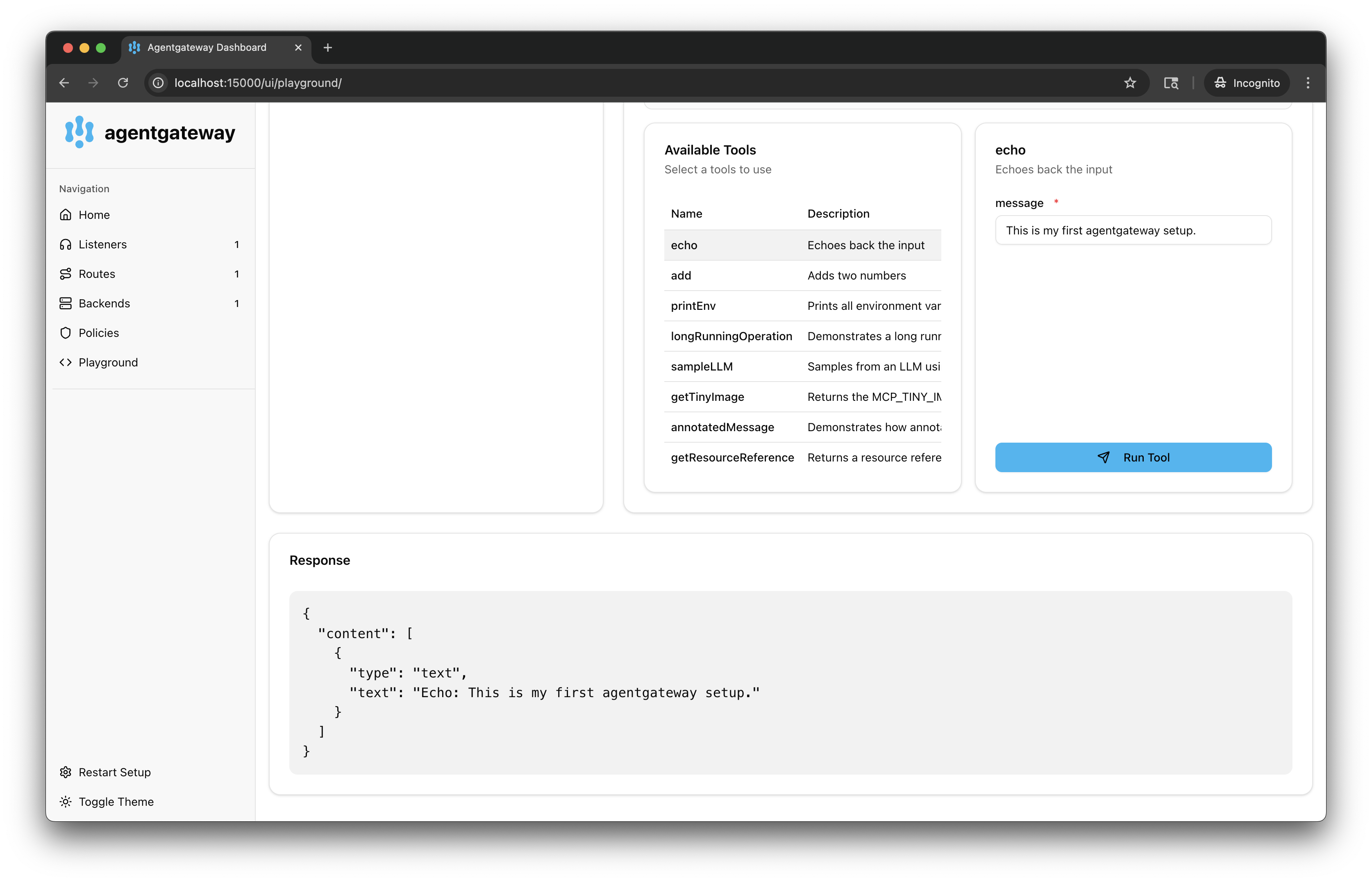
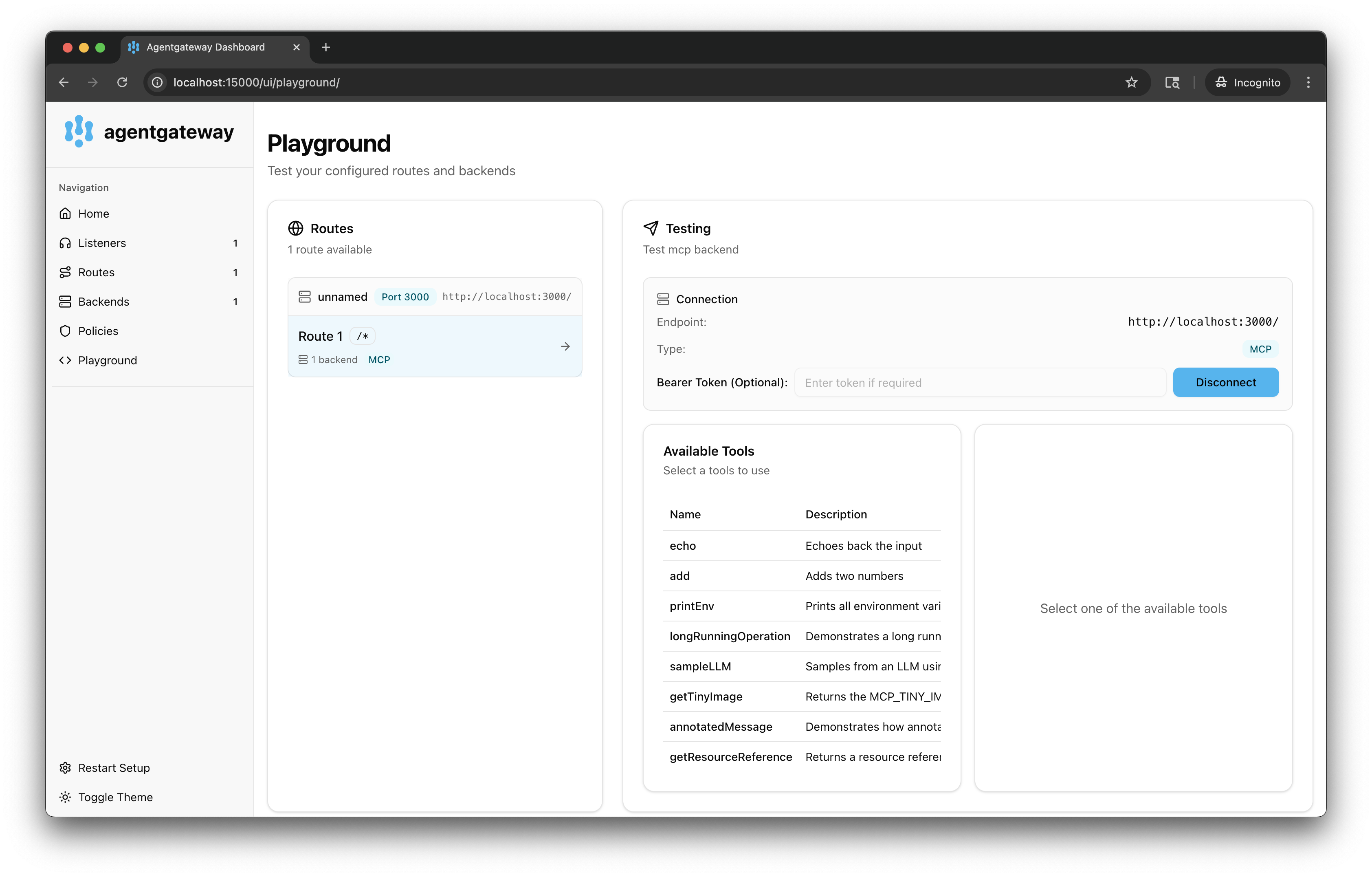
Connect to the MCP test server with the agentgateway UI playground.
From the navigation menu under MCP, click Tool Playground.
If you see a Browser access is not allowed notice, click Apply CORS so the playground can call the MCP listener from the UI.
Click Initialize to open an MCP session. The agentgateway UI connects to the target that you configured and lists the tools that are exposed on the target.
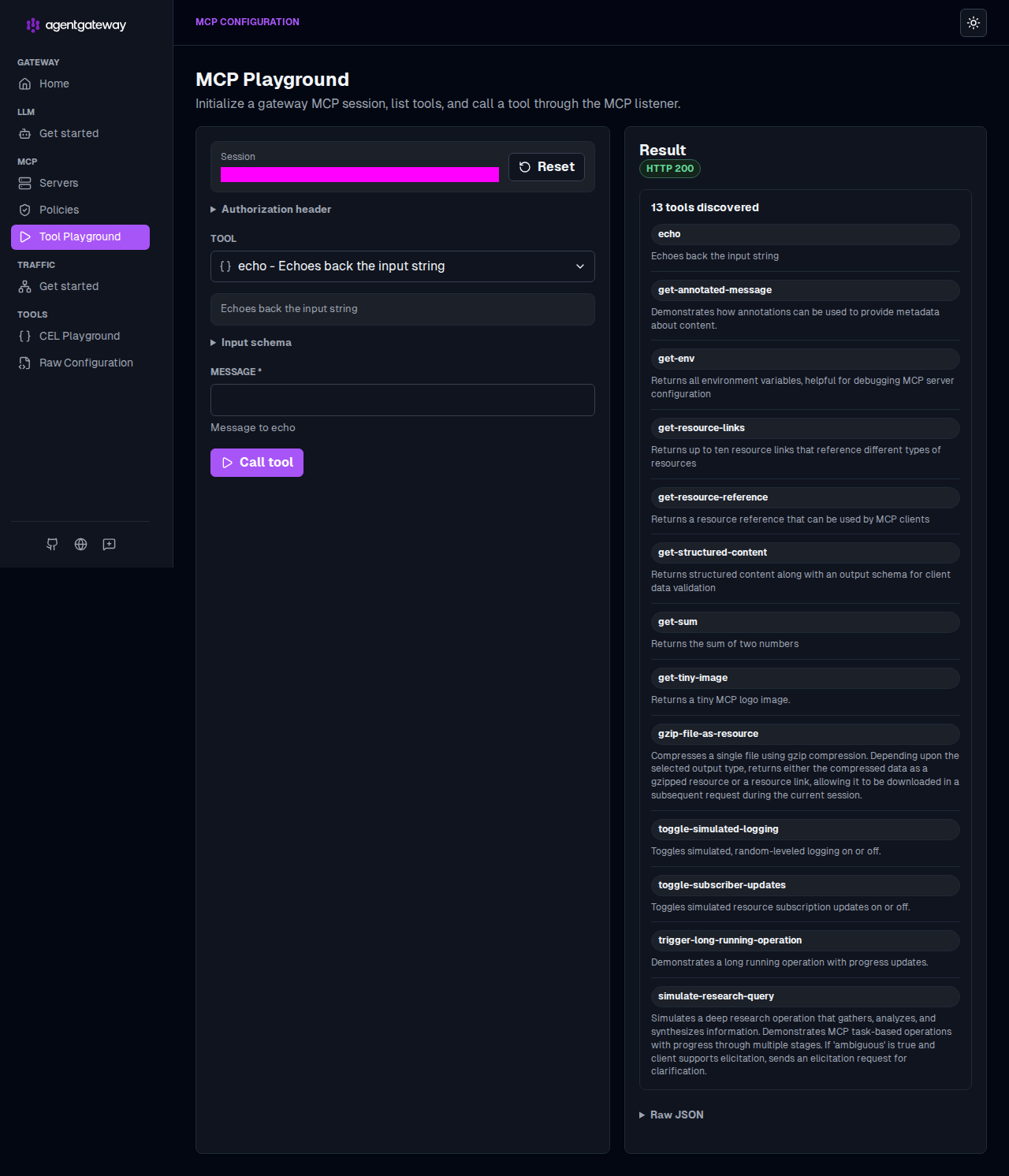
Verify access to a tool.
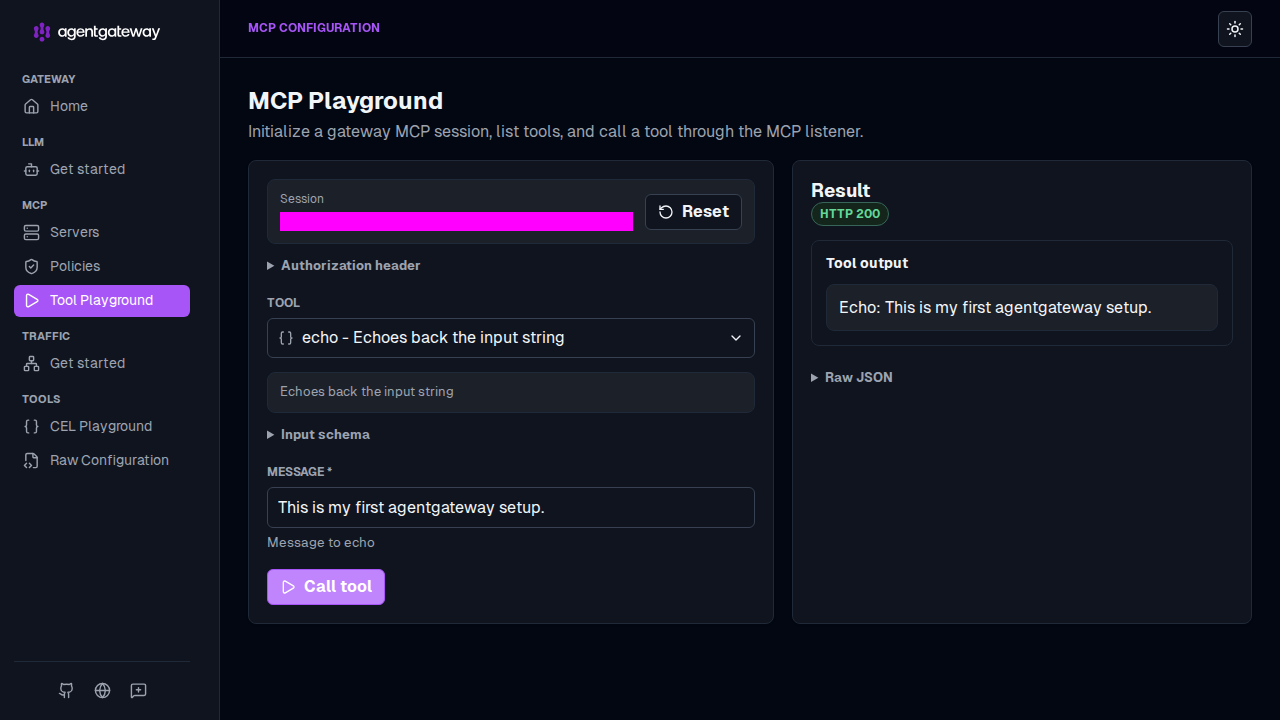
From the Tool list, select the
echotool.In the Message field, enter any string, such as
This is my first agentgateway setup., and click Call tool.Verify that the Result card shows an
HTTP 200response with your message echoed back.