For the complete documentation index, see llms.txt. Markdown versions of all docs pages are available by appending .md to any docs URL.
Open WebUI
Front Open WebUI with agentgateway to centralize auth, audit, and rate limits for LLM traffic.
Open WebUI is a self-hosted, ChatGPT-style interface that supports any OpenAI-compatible backend. By pointing Open WebUI at agentgateway instead of directly at an LLM provider, you keep API keys server-side and gain a single place to enforce policies and capture audit logs for every chat.
What you get
- A single OpenAI-compatible endpoint that fronts one or more upstream providers (OpenAI, Anthropic, Gemini, xAI, and others).
- API keys held by agentgateway, not exposed to the browser or to Open WebUI’s
.env. - Per-request metrics, traces, and access logs for every LLM call made from the chat UI.
Architecture
┌─────────────────┐     ┌─────────────────┐     ┌─────────────────┐
│   Open WebUI    │────▶│   agentgateway  │────▶│  LLM provider   │
│   (port 8080)   │     │   (port 3000)   │     │ (OpenAI, etc.)  │
└─────────────────┘     └─────────────────┘     └─────────────────┘
Before you begin
- Install the agentgateway binary or have a container image available.
- Get an API key from your LLM provider, such as an OpenAI API key.
- Install Docker for running Open WebUI.
Steps
Step 1: Configure agentgateway
You can configure agentgateway in the UI or in your configuration file.
To create the same configuration in the UI, follow these steps.
Set your OpenAI API key, create a configuration file with an empty
llmsection, and start agentgateway. The UI checks that theOPENAI_API_KEYenvironment variable exists when you save the model.export OPENAI_API_KEY='<your-api-key>' cat > config.yaml <<'EOF' llm: models: [] EOF agentgateway -f config.yamlAdd the model.
Open LLM > Models, such as http://localhost:15000/ui/llm/models, and click Add model.
From the Provider dropdown, select OpenAI.
In the Incoming model match field, replace the default
openai/*with*.For the Provider API key, select Env var, and enter
OPENAI_API_KEY.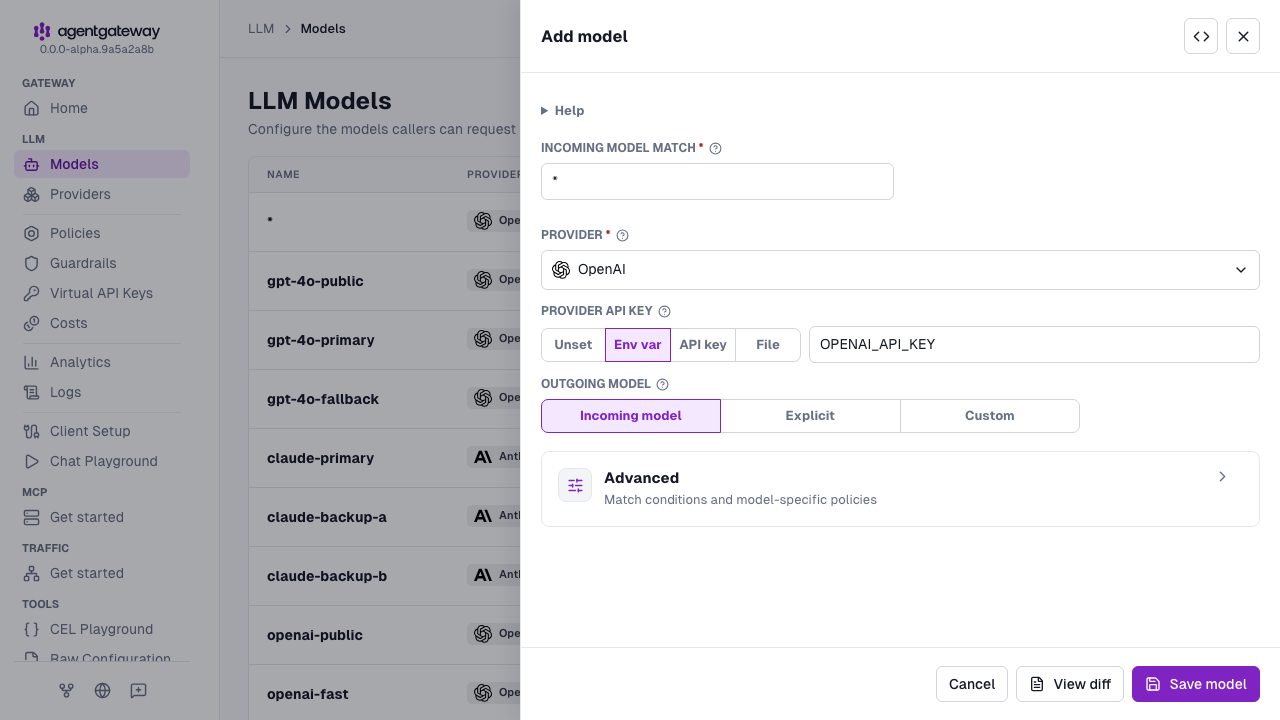
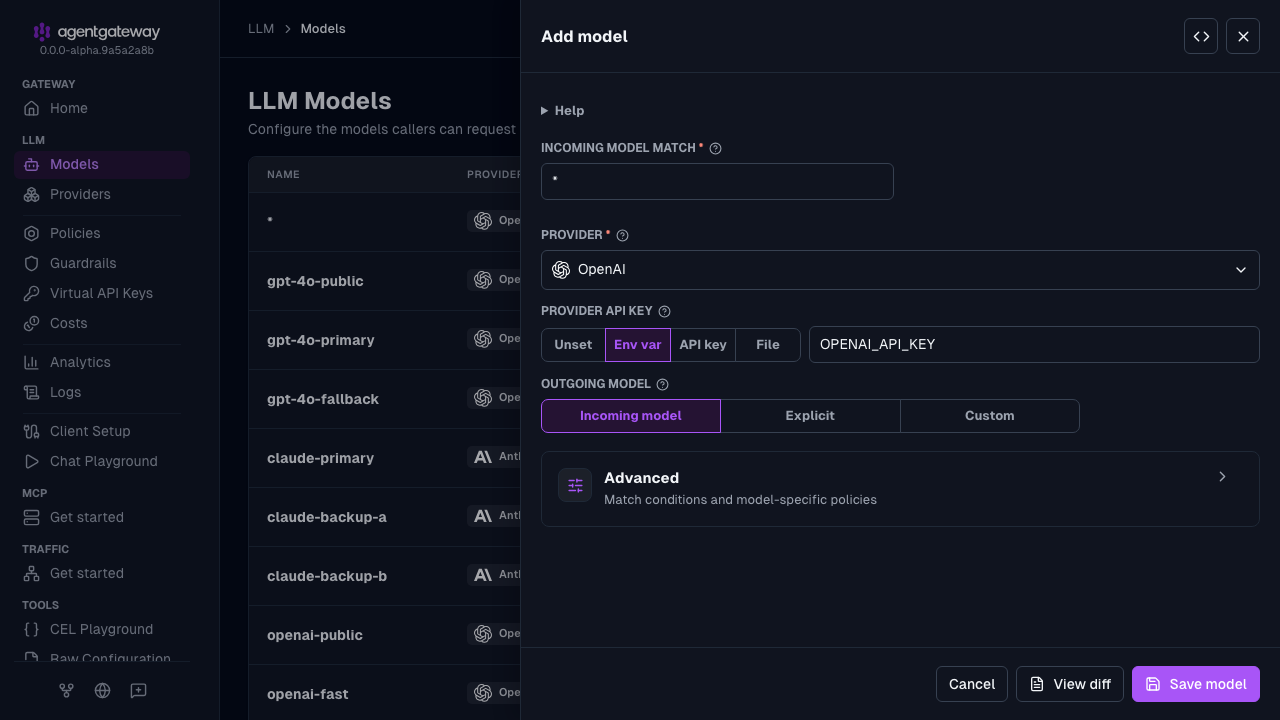
Click Save model.
Serve LLM traffic on port
3000.Open the Gateway Overview page, such as http://localhost:15000/ui/.
On the LLM row, click Settings.
Enter
3000for the Port, and click Save settings.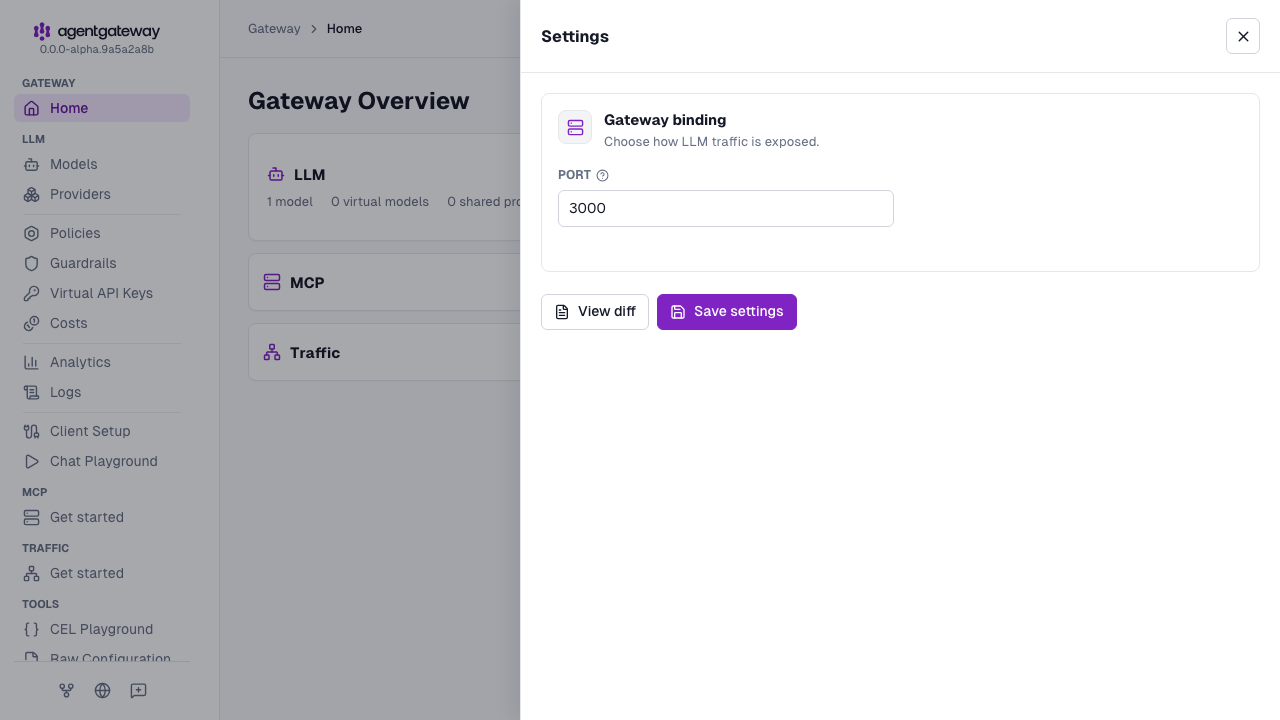
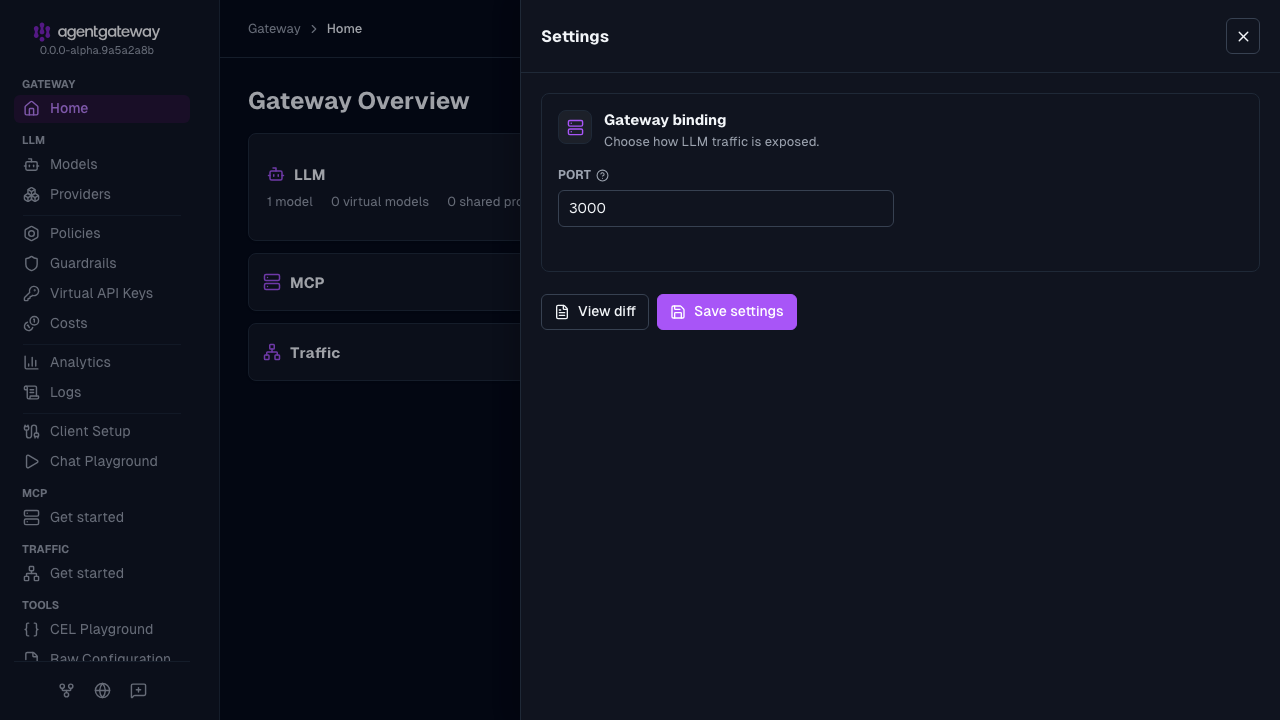
The UI writes the same deprecated llm.port field as the Config file tab, plus an empty llm.gateways list. If your configuration defines gateways, the Settings drawer shows a Gateway dropdown instead of Port, and binds LLM traffic to the gateway that you select. The UI also writes the provider as openai instead of openAI. Agentgateway accepts both values.
Whether the UI can save depends on your storage mode. For more information, see Save changes from the UI.
Agentgateway is already running with the new configuration, so skip Step 2.
Step 2: Start agentgateway
export OPENAI_API_KEY='<your-api-key>'
agentgateway -f config.yaml
Example output:
info  state_manager  loaded config from File("config.yaml")
info  app            serving UI at http://localhost:15000/ui
info  proxy::gateway started bind  bind="bind/3000"
Step 3: Run Open WebUI pointing at agentgateway
Start Open WebUI with OPENAI_API_BASE_URL set to the agentgateway endpoint. Use host.docker.internal so the container can reach agentgateway running on your host.
docker run -d \
  -p 3080:8080 \
  -e OPENAI_API_BASE_URL=http://host.docker.internal:3000/v1 \
  -e OPENAI_API_KEY=placeholder \
  --add-host=host.docker.internal:host-gateway \
  --name open-webui \
  ghcr.io/open-webui/open-webui:main
The following table describes each environment variable:
| Variable | Description |
|---|---|
OPENAI_API_BASE_URL | The base URL of the agentgateway proxy. |
OPENAI_API_KEY | Required by Open WebUI but is not used to call the upstream provider; agentgateway holds the real key. Set it to any non-empty value. |
Step 4: Send a chat from Open WebUI
- Open http://localhost:3080 and create the initial admin account.
- Open a new chat. The model dropdown is populated from agentgateway’s
/v1/modelsresponse. - Send a message. The request flows to agentgateway, which forwards it to OpenAI.
Step 5: Verify the request reached agentgateway
Watch the agentgateway logs as you send chat messages, or open the agentgateway UI to review live traffic. You should see a log entry similar to:
info request gateway=default/default listener=llm route=internal/model:* endpoint=api.openai.com:443 http.method=POST http.path=/v1/chat/completions http.status=200 protocol=llm gen_ai.operation.name=chat gen_ai.provider.name=openai gen_ai.request.model=gpt-4o gen_ai.usage.input_tokens=4419 gen_ai.usage.output_tokens=10 duration=2195msRun both with Docker Compose
To run agentgateway and Open WebUI together, use the following docker-compose.yml. Place your config.yaml next to it.
services:
  agentgateway:
    image: cr.agentgateway.dev/agentgateway:latest
    ports:
      - "3000:3000"
      - "15000:15000"
    volumes:
      - ./config.yaml:/config.yaml:ro
    command: ["-f", "/config.yaml"]
    environment:
      - OPENAI_API_KEY=${OPENAI_API_KEY}

  open-webui:
    image: ghcr.io/open-webui/open-webui:main
    ports:
      - "3080:8080"
    environment:
      - OPENAI_API_BASE_URL=http://agentgateway:3000/v1
      - OPENAI_API_KEY=placeholder
    depends_on:
      - agentgateway
    volumes:
      - open-webui:/app/backend/data

volumes:
  open-webui:
Next steps
Layer policies and observability on top of the basic setup.
