For the complete documentation index, see llms.txt. Markdown versions of all docs pages are available by appending .md to any docs URL.
Admin UI
Use the built-in Admin UI to inspect your Kubernetes agentgateway proxy configuration.
Use the agentgateway Admin UI to inspect your Kubernetes proxy configuration.
About
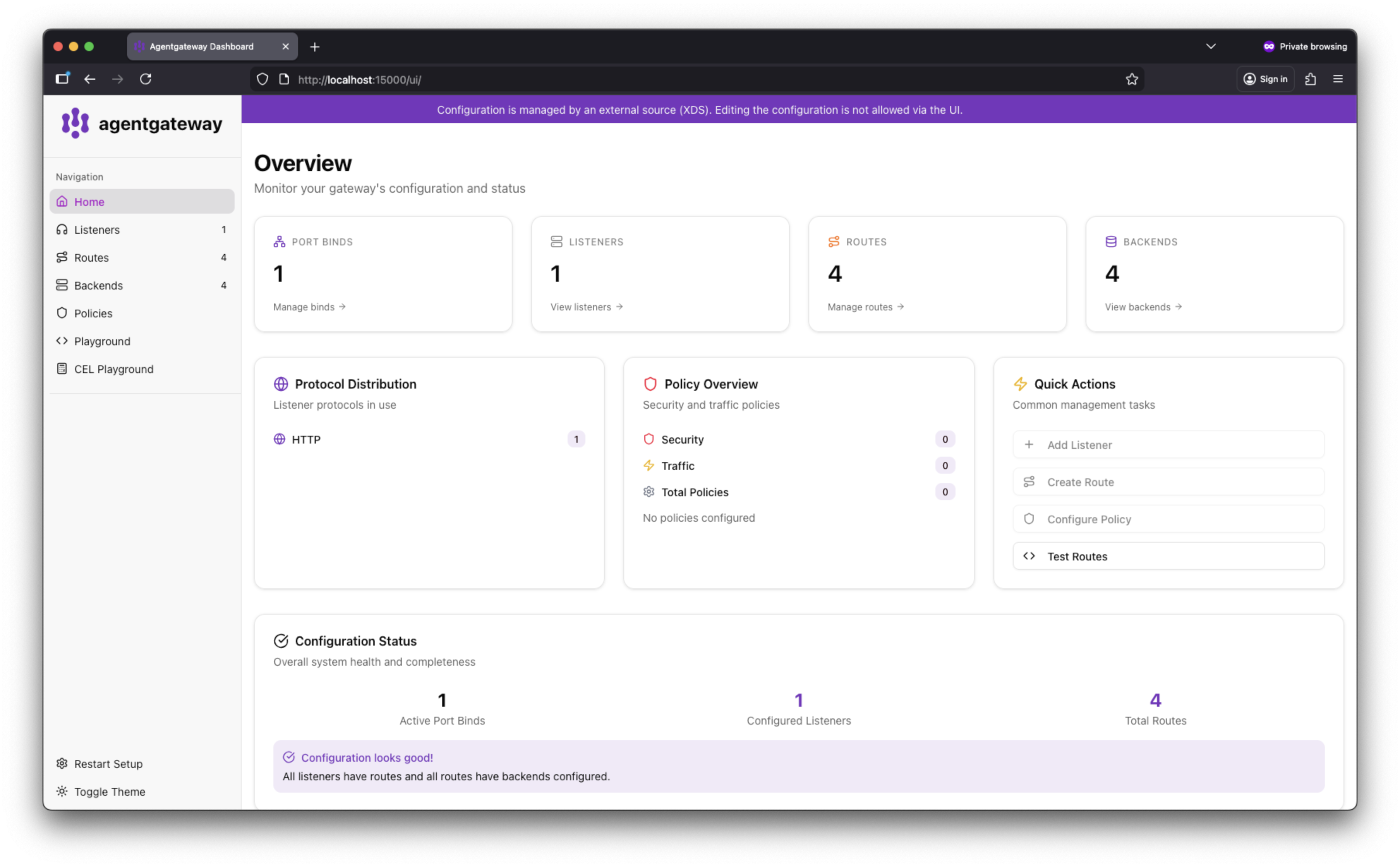
The agentgateway Admin UI is a built-in web interface that runs on port 15000 of the agentgateway-proxy pod. In Kubernetes mode, the UI is read-only. It reflects the configuration that the agentgateway controller pushes to the proxy over xDS, the protocol that the control plane uses to deliver configuration to the proxy.
Note
The Admin UI is read-only in Kubernetes mode. Unlike standalone mode, you cannot use the UI to add features such as models, LLM providers, or MCP servers. Instead, make configuration changes by updating your Kubernetes resources, such as through GitOps, not through the UI.
The Admin UI is useful for debugging and verifying the configuration that the proxy received from the controller, such as confirming that a Gateway, HTTPRoute, AgentgatewayBackend, or AgentgatewayPolicy resource took effect.
Access the Admin UI
The Admin UI is not exposed as a Kubernetes Service. To access it, use kubectl port-forward to forward the pod’s port to your local machine.
Forward port 15000 from the
agentgateway-proxydeployment to your local machine.kubectl port-forward deployment/agentgateway-proxy -n agentgateway-system 15000Example output:
Forwarding from 127.0.0.1:15000 -> 15000
Forwarding from [::1]:15000 -> 15000
While the port-forward is running, open http://localhost:15000/ui/ in your browser.
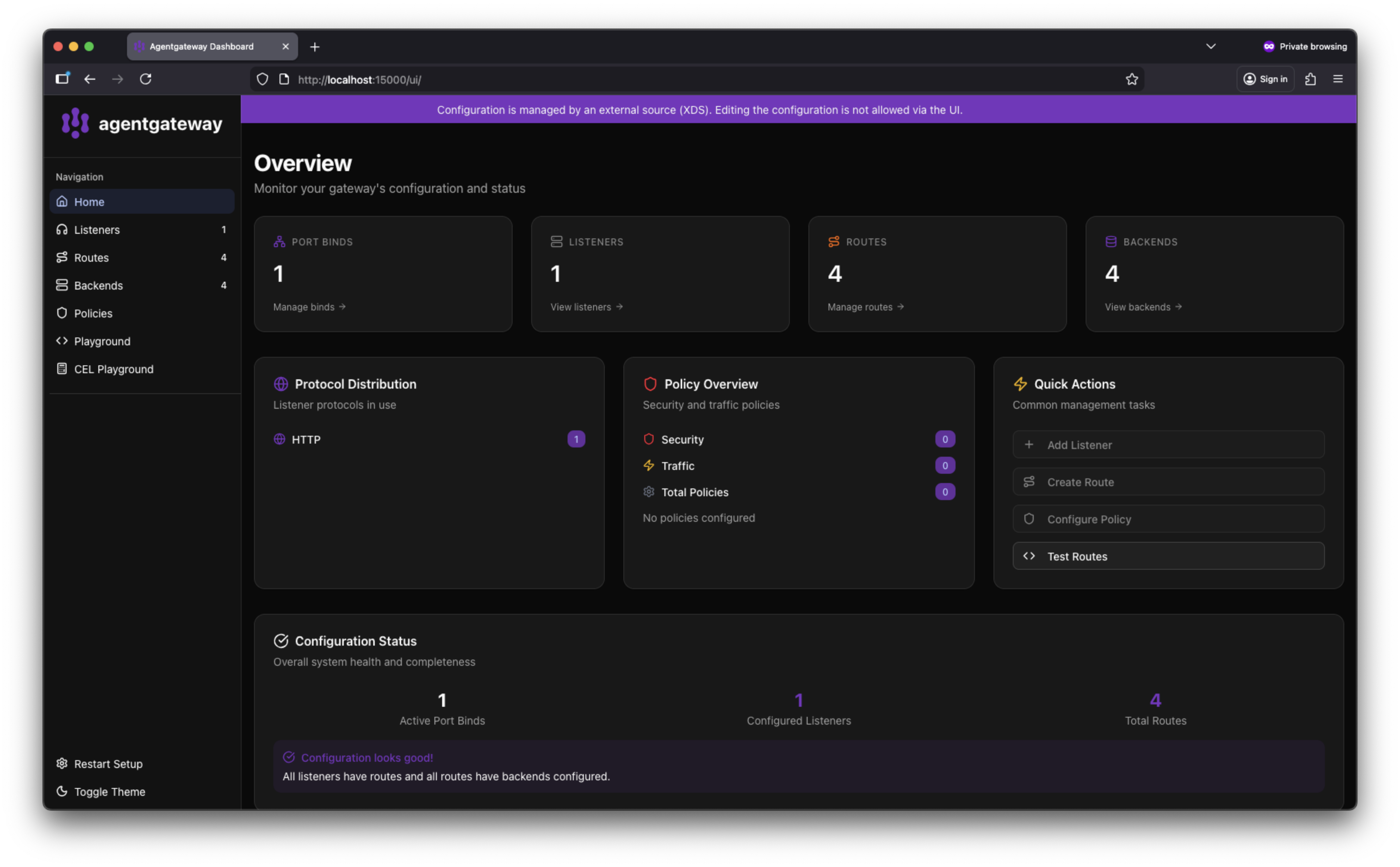
The Gateway Overview opens in read-only mode and summarizes the resources that the proxy currently serves, such as the number of listeners, routes, and policies.
Note
The port-forward connection closes when you stop the kubectl port-forward command. Run it in a dedicated terminal tab or in the background if you need persistent access.
